
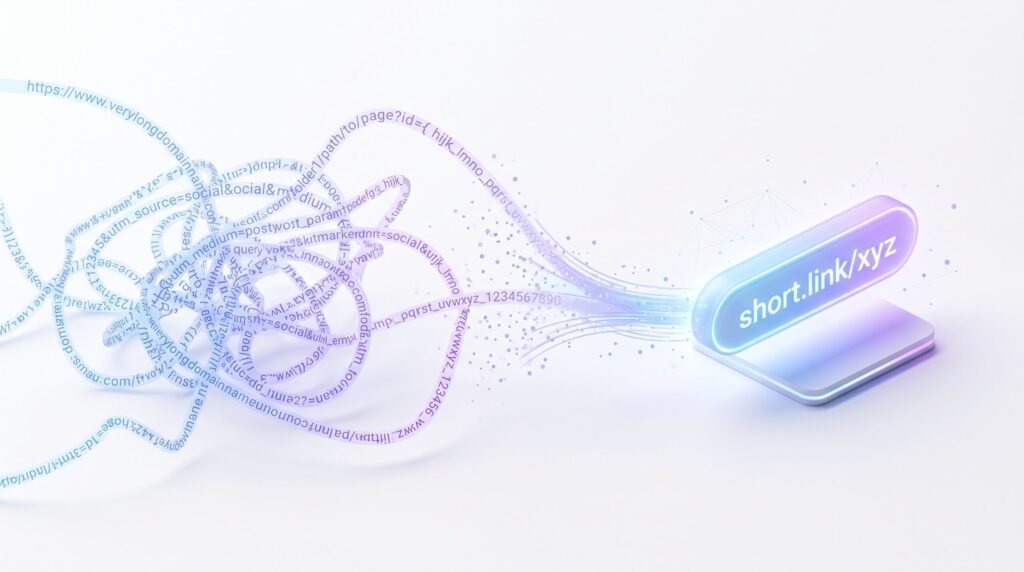
Have you ever tried to share a link and it looked like a wall of text? Long web addresses are hard to read, hard to remember, and honestly, a little ugly. That messy string of letters, numbers, and symbols can make people think twice before they click.
This is where a link shortener comes in. It takes a long, clunky web address and turns it into a short, clean link that’s easy to share, easy to read, and easy to trust.
In this guide, you’ll learn what a short link is, how it works behind the scenes, and how you can make one in just a few seconds. We’ll also cover safety, tracking, expiration, and the best times to use a short link instead of a long one. By the end, you’ll know everything you need to start sharing smarter, cleaner links today.
What Is a URL Shortener?
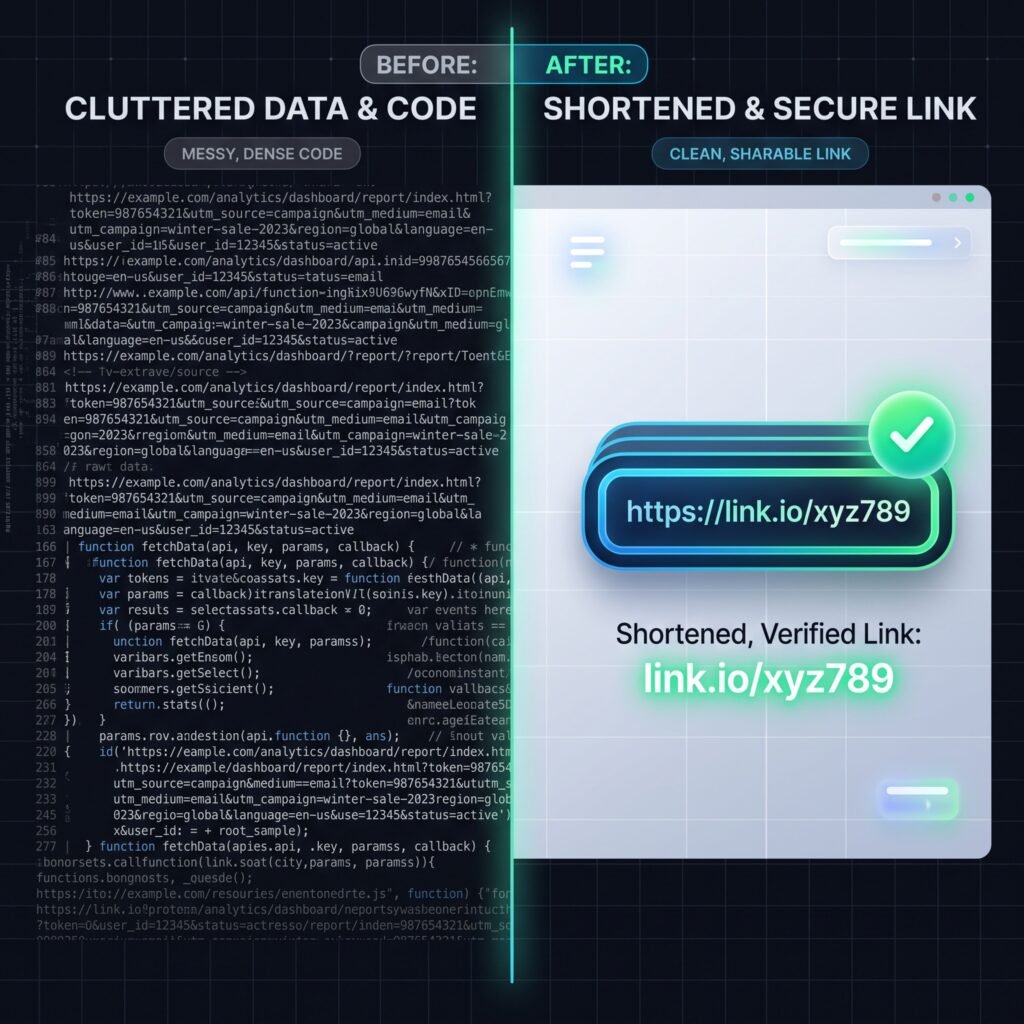
A URL shortener is a simple online tool that takes a long web address and turns it into a much shorter one. Both links go to the exact same page. The only thing that changes is how the link looks.
Here’s a simple example. Imagine you have this long link:
https://shorteurl.com/7-powerful-ways-to-create-short-links-fast
A link-shortening tool can turn that into something like:
Both links take a visitor to the exact same blog post. But the second one is much easier to type, remember, and share.
Short links are used everywhere online. You’ll spot them in:
- Social media posts, especially on platforms with limited character space
- Text messages, since long links can break across multiple lines
- Email newsletters and marketing campaigns
- Printed flyers, business cards, and posters, often paired with a QR code
- Customer support messages, where a clean link looks more professional
In short, a link shortener isn’t just a fun trick. It’s a practical tool that makes sharing web links faster, cleaner, and more reliable.
A Short History of Link Shortening
Short links aren’t new. They’ve been around since the early days of social media, when platforms like Twitter first put a strict limit on how many characters a person could post. Back then, a single long web address could eat up an entire post by itself, leaving no room for an actual message.
That problem led to the rise of dedicated link-shortening tools. Over the years, these tools have grown far beyond just saving space. Today, people use them for branding, for tracking clicks, and for keeping their content looking clean and organized, even on platforms that no longer have strict character limits.
Why Long Links Cause Problems
Before we go further, it helps to understand exactly what makes long web addresses so troublesome in the first place.
- They’re hard to read, since they often include random numbers, letters, and symbols.
- They’re easy to mistype if someone has to enter them by hand.
- They can break across two lines in a text message, which turns the link into something that no longer works.
- They look cluttered next to a short, clean message.
- They can seem less trustworthy simply because they’re long and confusing to look at.
A short link fixes every one of these problems at once, which is exactly why the tool has stuck around for so long.
A Simple Way to Picture It
Think of a short link like a forwarding address at the post office. You don’t need to know someone’s exact new address to send them a letter. You just send it to the old address, and it gets forwarded automatically. A short link works the same way. It’s a simple pointer that quietly does the redirecting job for you.
A Little Bit of the Technical Side
If you’re curious about what’s happening under the hood, here’s the simple version. When you create a short link, the tool stores your original web address in a database and pairs it with a unique short code. That short code becomes part of your new link.
When someone clicks it, their browser sends a request to the shortening service’s server. The server checks its database, finds the matching long URL, and sends back what’s known as a redirect instruction. This tells the browser, “Don’t stop here, go to this other address instead.” The browser follows that instruction automatically, and the visitor lands on the original page.
You don’t need to understand any of this to use a short link. But it helps explain why the process feels instant. The lookup happens in a fraction of a second, so from the visitor’s point of view, clicking a short link feels exactly the same as clicking a long one.
How to Create a Short URL With ShortEURL
Now that you know how short links work, let’s walk through how to actually make one. Creating a short link doesn’t require any technical skill. If you can copy and paste, you can do this.
Step 1: Open ShortEURL
Head over to the ShortEURL website in your browser. You’ll see a clean, simple box where you can paste your link. No sign-up is needed to get started with the basic tool.
Step 2: Paste Your Long URL
Copy the full, original web address you want to shorten. This could be a blog post, a product page, a video, or any link at all. Paste it into the input field on the page.
Step 3: Create Your Short Link
Click the button to generate your new short link. In just a moment, the tool will create a compact, easy-to-share version of your original URL.
Step 4: Copy and Share
Your new short link is ready to use. Copy it and paste it wherever you need, whether that’s a social post, a text message, an email, or a printed flyer.
That’s really all there is to it. The whole process usually takes less than 30 seconds from start to finish, which is part of why so many people reach for a link shortener instead of pasting a long, messy web address.
Why Use ShortEURL Instead of Sharing a Long URL?
You might be wondering, why bother shortening a link at all? Here are the real, practical reasons people choose a shortened link over a long one.
It’s easier to share. A short link is quick to copy, quick to paste, and quick to read out loud if you ever need to share it verbally, like on a phone call or in a video.
It looks cleaner. Long URLs full of random letters, numbers, and symbols can look messy or even a little suspicious. A short, tidy link looks more polished and more trustworthy at a glance.
It works better on social media. Some platforms limit how many characters you can post. A long link can eat up valuable space that you’d rather use for your actual message. A short link solves that problem instantly.
It’s better for messaging and email. Long links sometimes break apart across multiple lines in a text message or get cut off in an email, which can turn your link into something that no longer works. Short links avoid this problem completely.
It’s useful for printed materials. If you’re putting a web address on a flyer, poster, business card, or product packaging, a short link is far easier for someone to read and type into their phone.
Put simply, a shortened link takes something clunky and turns it into something clean, shareable, and simple. That small change can make a real difference in how many people actually click.
It Can Help Build Trust
People are naturally a little more cautious online these days, and that’s a good thing. A long, jumbled web address can trigger hesitation, even if the destination is completely safe. A short, tidy link doesn’t carry that same visual baggage. While no link is guaranteed to be trusted just because it’s short, a clean-looking link paired with a trusted sender or a recognizable brand can make people feel more comfortable clicking through.
It Saves You Time
If you regularly share links, whether that’s for a job, a side project, or just keeping friends updated, shortening a link takes only a few seconds but saves you from a lot of small annoyances later. No more worrying about a link breaking in a text message or looking messy in a caption. You paste it once, shorten it, and it’s ready to use anywhere.
Where Can You Use a Short Link?
Short links aren’t limited to one platform or purpose. Here are the most common places people use them.
Social media. Whether it’s a caption, a bio link, or a comment, a short link fits neatly into any post without taking up unnecessary space.
Text messages. A short link is far less likely to break or get cut off compared to a long, complicated web address.
Email. Short links make newsletters and marketing emails look cleaner and more professional, especially when you’re sharing several links in one message.
Websites and blogs. Bloggers and site owners often use short links when referencing outside resources or affiliate pages, keeping the content easy to read.
Marketing campaigns. From ads to promotional emails, marketers use short links to keep messaging clean and, in many cases, to see how well a campaign is performing.
Business materials. Business cards, brochures, presentations, and printed signage all benefit from a short, easy-to-remember link instead of a long web address.
Basically, anywhere you’d normally share a web link, a shortened version can make that link easier to use and more pleasant to look at.

Are Short URLs Safe?
This is one of the most important questions people ask, and it’s a fair one. Since a short link hides the original web address, you can’t always tell where it will take you just by looking at it. That’s a real thing to be aware of.
The Real Risk With Short Links
The risk isn’t with link shortening as a concept. It’s that anyone, including people with bad intentions, can shorten a harmful link and make it look just like any other short link. Because you can’t see the destination right away, a short link could, in theory, be used to hide something you wouldn’t normally click on.
How to Stay Safe
Here are a few simple habits that help you stay protected:
- Only click short links from people or sources you actually trust.
- Be cautious with short links from unknown senders, especially in emails or text messages asking you to “act now.”
- If you’re unsure where a short link leads, use a link-checking tool to preview the destination before clicking.
- Watch for pressure tactics. Messages that create urgency, like fake prize alerts or account warnings, are a common trick paired with short links.
Practicing Safe Habits With Any Shortener
Good online safety isn’t just about one specific tool. It comes down to being thoughtful about which links you click, no matter where they come from. Treat an unfamiliar short link the same way you’d treat an unfamiliar attachment or message. When in doubt, don’t click, and instead ask the sender directly what the link is for.
A Few More Habits Worth Building
A little extra caution goes a long way when it comes to any kind of link, short or long.
- Hover over a link on desktop before clicking, since many browsers show a preview of where it leads.
- Be extra careful with links that arrive out of nowhere, especially ones claiming you’ve won something or that your account needs “urgent” action.
- Keep your phone and browser software updated, since updates often include protection against known scam techniques.
- If a link ever asks you to enter a password or payment details right after clicking, pause and double-check the page looks legitimate before typing anything.
None of this means short links are inherently risky. It simply means the same common sense you’d use with any link online still applies here.
Do Short URLs Expire?
This is another common question, and the honest answer is: it depends on the service you’re using. Different link shorteners handle this in different ways.
The General Concept of Expiration
Some tools are built to keep short links working forever, since the whole point of a short link is to be a reliable, permanent replacement for the long one. Other tools may set limits, either due to storage costs, inactivity, or specific plan features tied to free versus paid accounts.
Why Expiration Varies
A free tool with unlimited users might need some kind of cleanup system to remove links that are no longer active. A paid or business-focused tool might promise permanent links as part of its service, since businesses often rely on links staying active for months or years, like in printed materials that can’t easily be updated.
Check Before You Rely on a Link Long-Term
If you’re planning to use a short link somewhere permanent, like on a printed sign, a business card, or packaging that will be used for a long time, it’s smart to check the specific policy of whichever tool you’re using. This way, you’ll know exactly how long your link is expected to keep working before you commit to printing it anywhere.
Can You Track a ShortEURL Link?
One of the quiet advantages of using a link shortener is the ability to see how your link is performing, instead of sending it out into the world and never knowing what happened next.
What Click Tracking Means
Click tracking simply means the tool keeps count of how many times people click your short link. Instead of guessing whether anyone saw your post or opened your email, you get an actual number to look at.
The Basic Idea Behind Link Analytics
Beyond just counting clicks, some link-shortening tools offer analytics, which can include details like when clicks happened, roughly where they came from, or which device someone used. This kind of information can help you understand which posts, emails, or campaigns are actually getting attention.
Understanding What You’re Working With
Not every shortening tool offers the same level of detail. Some are built simply to shorten a link and stop there, while others are designed with marketers in mind and include a full dashboard of stats. If tracking matters to you, it’s worth checking exactly what kind of data a tool provides before you rely on it for decision-making, since features can vary quite a bit between free and paid plans.
Can You Customize a Short Link?
Beyond just shortening a link, some tools let you choose your own short code instead of a random one. This is often called a custom or branded link.
Instead of a random string of letters and numbers, a custom link might read something like short.link/summer-sale or short.link/mynewsletter. This makes the link not only shorter, but also more descriptive, so people have a small hint about where it leads before they even click.
Custom links are especially popular with businesses and content creators, since they tie the link back to a specific campaign, product, or piece of content. A clear, readable link can also feel more trustworthy than a completely random one, simply because it gives the reader a bit more context.
Not every shortening tool includes this feature, and some may reserve it for certain plans. If having a custom or branded short link matters to you, it’s worth checking what options are available before you settle on a tool.
Short URL vs. Long URL
Here’s a quick side-by-side look at how a shortened link compares to a traditional long web address.
| Feature | Long URL | Short Link |
|---|---|---|
| Length | Usually long and hard to read | Short and simple |
| Sharing | Less convenient, especially by text or voice | Easy to copy, paste, and say out loud |
| Appearance | Can look cluttered or messy | Clean and tidy |
| Social media use | Can take up valuable character space | Fits neatly into posts and bios |
| Printed materials | Hard to read or type accurately | Easy to read and type manually |
| Memorability | Difficult to remember | Much easier to recall |
As you can see, the biggest differences come down to convenience and appearance. A long link isn’t “wrong,” but a short one is almost always easier to work with.
When Should You Use a URL Shortener?
Not every single link needs to be shortened, but there are several situations where it clearly makes sense.
Social sharing. When you’re posting on platforms with character limits, or you simply want a cleaner-looking post, a short link is the better choice.
Marketing. Whether it’s an email campaign, a paid ad, or a promotional post, marketers often rely on short links to keep messaging clean and, when available, to keep an eye on click activity.
Messaging. If you’re sending a link over text, a short link avoids the annoying issue of a long address breaking apart or getting cut off.
Printed campaigns. Anytime a link needs to appear on something physical, like a flyer, sign, or product tag, a short version is far easier for someone to type correctly.
Business communication. Sharing resources with clients, partners, or coworkers looks more professional with a short, tidy link instead of a long, complicated one.
If any of these situations sound familiar, a link shortener is a simple tool that can genuinely make your day-to-day sharing easier.
Common Mistakes People Make With Short Links
Even though shortening a link is simple, there are a few small mistakes worth avoiding.
Shortening a link you haven’t double-checked. Always confirm your original long URL is correct and working before you shorten it. If the original link has a typo, your short link will simply pass that same mistake along.
Using a shortened link without knowing where it leads. If you’re the one sharing the link, this shouldn’t be an issue. But if you’re forwarding a short link someone else sent you, it’s smart to know its destination before passing it along to others.
Assuming every shortening tool works the same way. Features like tracking, expiration, and customization can vary between tools. It’s worth spending a minute learning what a specific tool offers before relying on it for something important, like a business campaign.
Overusing short links in places where they aren’t needed. If you’re writing a formal document or a place where transparency matters, like a legal page, it’s often better to show the full, original web address so readers know exactly where a link leads.
Forgetting to test the link after creating it. It only takes a second to click your new short link and confirm it lands on the right page. This simple habit can save you from sharing a broken link by accident.
ShortEURL: A Simple Way to Create Short Links
ShortEURL is built around one goal: making it fast and easy for anyone to turn a long web address into a short, shareable link. There’s no complicated setup and no learning curve involved.
It’s designed for everyday use, whether you’re an individual sharing a link with a friend, a small business owner promoting a product, a content creator posting on social media, or a marketer running a campaign. Basically, anyone who shares links online can benefit from a tool like this.
The basic workflow is simple. Paste your long link into the tool, generate your short version, and copy it to use wherever you need. There’s no need to overthink it. The whole point is to remove friction from something you probably do multiple times a week already.
If you’ve been copying and pasting long, messy links, it might be worth giving ShortEURL a try the next time you need to share a link. It takes just a few seconds and can make your posts, messages, and materials look a lot cleaner.
Frequently Asked Questions
What is a URL shortener?
A URL shortener is a tool that takes a long web address and turns it into a shorter, simpler link. Both the short and long link lead to the exact same destination.
How does ShortEURL work?
You paste your long web address into the tool, and it generates a shorter link that redirects to the same page. When someone clicks the short link, they’re sent straight to your original content.
Is ShortEURL free?
Yes
How do I shorten a URL with ShortEURL?
Paste your long link into the input box on the ShortEURL homepage, click the button to generate your short link, and then copy the new link to share it anywhere you’d like.
Do ShortEURL links expire?
Expiration policies can vary between link-shortening tools and account types. To get the exact details for your specific link, check the current terms listed on the ShortEURL website.
Can I track ShortEURL links?
Many link shorteners offer some form of click tracking so you can see how your links are performing. For a full breakdown of which tracking features are available, review the tools and options listed directly on ShortEURL.
Are ShortEURL links safe?
Like any shortened link, safety comes down to trusting the source. Only click short links from senders you trust, and use a link-checking tool if you’re ever unsure where a link leads before clicking it.
Does shortening a link change where it leads?
No. A short link is simply a new, shorter address that points to your exact original web page. Clicking it takes a visitor to the same destination as the original long link, just through a quicker, cleaner-looking path.
Can I shorten more than one link at a time?
Most link-shortening tools, including ShortEURL, are built to handle links one at a time through the main input box. If you regularly need to shorten a large number of links at once, check the ShortEURL website to see what options are currently available for that kind of use.
Conclusion
Long, messy web addresses aren’t just annoying to look at, they can also be harder to share, easier to break, and less likely to get clicked. A link shortener solves all of that by turning a clunky URL into something short, clean, and simple.
Whether you’re posting on social media, sending a text, running a marketing campaign, or printing a business card, a short link makes sharing smoother and more professional. And with a tool like ShortEURL, creating one takes just a few seconds, no technical skills needed.
The next time you’re about to copy and paste a long, awkward link, take a moment to shorten it first. It’s a small step that makes a noticeably better experience for everyone on the other end of that click.